Google Ads management
Manage your Google Ads campaigns in fewer clicks
Build Search, Performance Max and Demand Gen campaigns with a wizard; track budget, status and performance in the same table as your other channels. The connection uses Google's verified OAuth flow.
- Connection verified by Google
- Manager (MCC) account support
- Campaigns are created paused
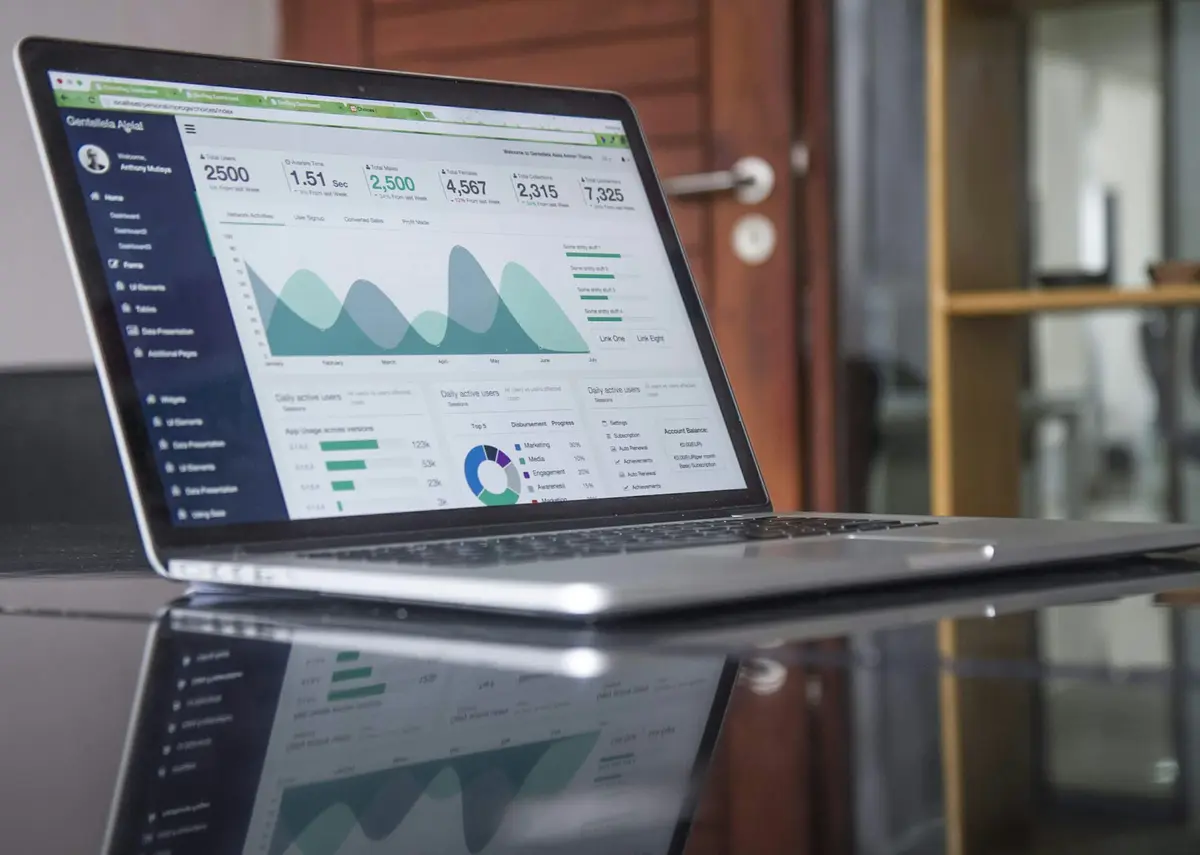
Figures in the examples are illustrative, not customer results.
What you get
The most time-consuming Google Ads tasks on one screen
Search campaigns
Prepare keywords, responsive search ads and budget in one flow; character limits are checked as you type.
Performance Max
Pick the images and copy for an asset group from your creative library; the campaign is sent to your account paused.
Demand Gen
Prepare image and video ads for YouTube, Discover and Gmail placements with the same wizard.
Manager accounts
Find the client accounts under a manager (MCC) account and run them all in one organization.
Campaign wizard
Guided setup, with platform rules checked up front
Enter the goal, budget, targeting and ad copy once. The wizard warns you about Google Ads limits and saves the draft as you go.
- Platform rules
- Headline and description limits are counted as you type; gaps are flagged step by step.
- Budget split
- Split the daily budget across channels by percentage.
- Paused by default
- The campaign is created paused in your account; you decide when it goes live.
New campaign
- Objective
- Channels & accounts
- 3Budget & schedule
- 4Audience
- 5Creative
- 6Tracking
- 7Review
- 8Publish
Daily budget split
Total ₺5,000/day
- Google Ads40%₺2,000
- Meta35%₺1,750
- TikTok15%₺750
- YouTube10%₺500
Reporting
Spend and conversions refresh every hour
When you connect, the last 90 days are imported. After that, metrics sync hourly and campaign structure every 30 minutes; the last 7 days are re-fetched every night.
- One currency
- Accounts in other currencies are converted at the daily rate.
- Period comparison
- See this period against the previous one on the same chart.
- Export
- Download reports as CSV or Excel (XLSX).

Automation
Rules watch your account around the clock
Set up rules such as “pause the ad if CPA goes over target”. Rules run hourly or daily, and every trigger is logged.
- Dry run
- See which campaigns a rule would affect before you switch it on.
- Guardrail
- A rule never takes more actions in 24 hours than the limit you set.
- Notifications
- Get in-app and e-mail notifications when a rule fires.
Pause the ad set if CPA > ₺250
Scope: Ad sets · Meta, TikTok
Time window: last 3 days
- Frequency
- Hourly
- Maximum actions per item per 24 hours
- 2
Get started in three steps
- 01
Connect with Google
Grant access on Google's official consent screen; your password is never shared with us.
- 02
Pick your accounts
Choose the ad accounts to manage, including those under a manager account.
- 03
Start managing
The last 90 days are imported; run your campaigns from one table.
Is Adsenzo's Google Ads connection secure?
Yes. The connection uses an official authorization flow that has passed Google's OAuth verification. Access tokens are stored encrypted, and you can revoke access at any time from the Adsenzo panel or your Google account's security settings.
Which Google Ads campaign types are supported?
You can create Search, Performance Max and Demand Gen campaigns and track the status, budget and performance of the campaigns in your account. YouTube video ads are managed through your Google Ads account too.
Can I connect my manager (MCC) account?
Yes. When you connect with a manager account, its client accounts are listed and you choose the ones to manage. Agencies can keep each client in a separate workspace.
Does a campaign created in Adsenzo start spending right away?
No. Every campaign and ad is created paused in your Google Ads account. Nothing is spent until you start it.
Connect your Google Ads account today
Try it free for 14 days; no credit card required.